


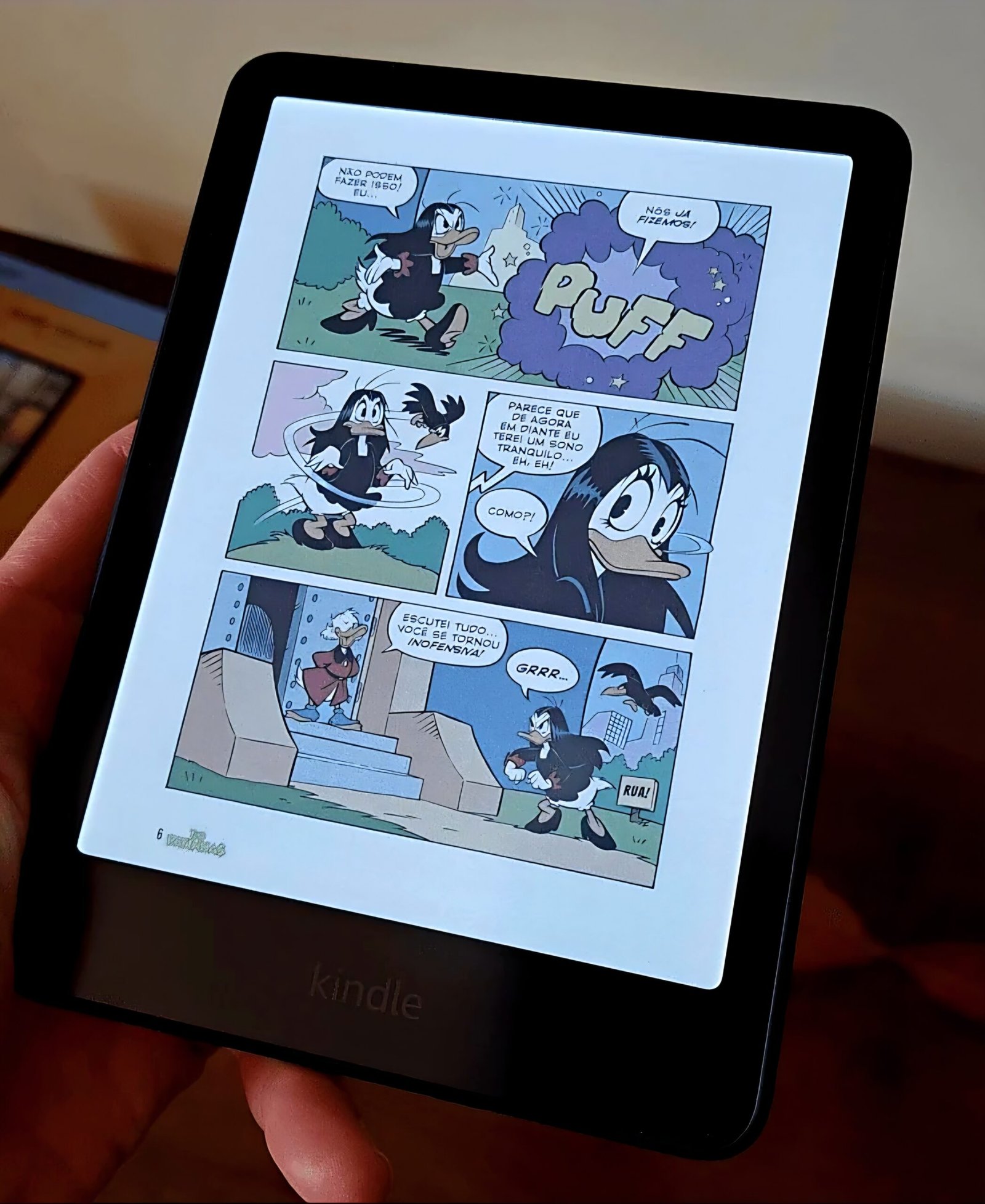
The Kindle Colorsoft is Amazon’s first color e-reader, officially launched in the United States in October 2024.
After many years without major innovation, Amazon has finally introduced a differentiated product to shake up the market it practically created and still dominates with ease.
The so-called Kindle Colorsoft (something like “soft colors”) was the standout release of the 2024/2025 Kindle lineup and sparked conversations worldwide.
What’s rarely mentioned is that it’s not the first color e-ink device on the market. Other manufacturers had already been using the technology in their products—and that likely “motivated” Amazon to step out of its comfort zone.
In this article, I’ll cover everything about the popular color Kindle, including details about the technology, current pricing, available versions, and my review after six months of use. At the end, I’ll also address the controversies surrounding its launch.
So, is the Kindle Colorsoft worth buying? Let’s find out.
Kindle Colorsoft: the first Kindle with a color display
The Kindle Colorsoft was Amazon’s biggest release in 2024, introducing a major upgrade to the reading experience: a color e-ink display.
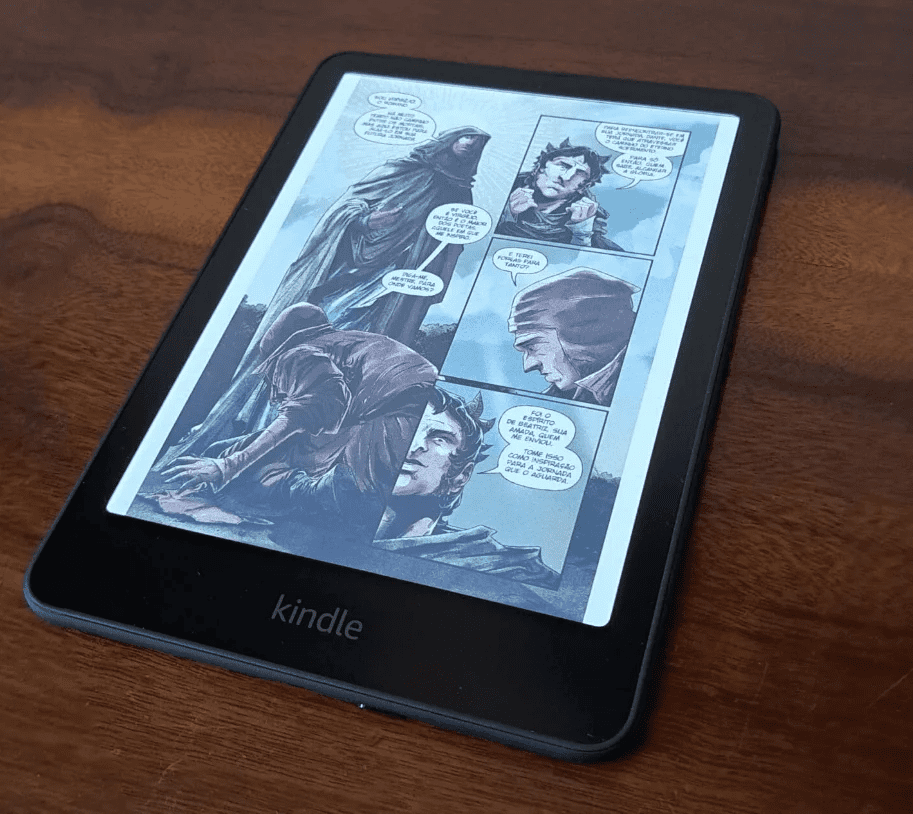
This e-reader was specifically designed for users who want a richer, more immersive visual experience—especially when reading comics, magazines, children’s books, and other illustrated content.
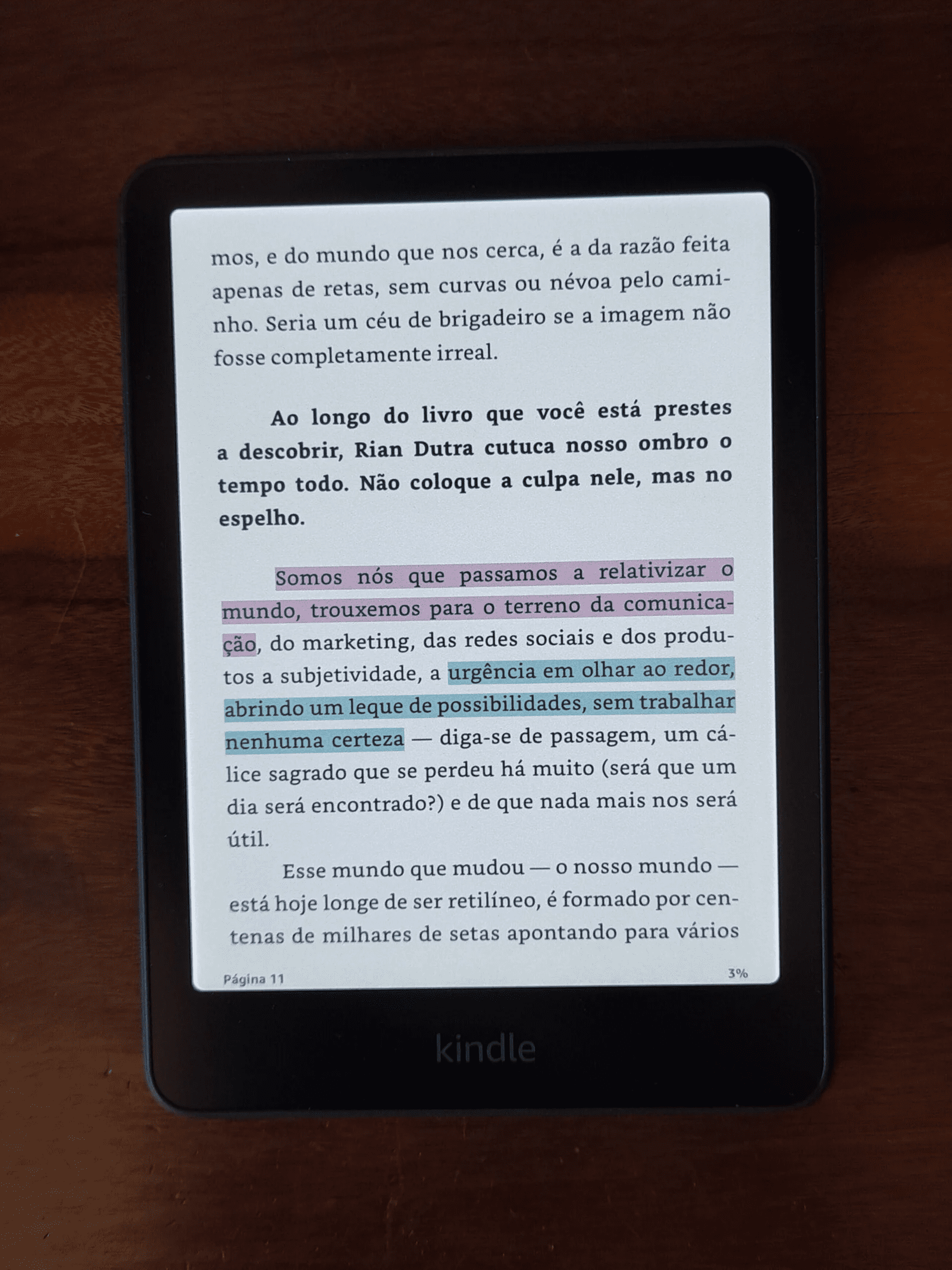
Another advantage is the ability to highlight in color, something that has long been available in the smartphone app and was a long-time wish among Kindle users.
On the Kindle Colorsoft, you can highlight text in yellow, orange, blue, and pink.

The device was officially unveiled in October last year alongside the 2024/2025 Kindle lineup.
How does the Kindle Colorsoft’s color screen work?
The Kindle Colorsoft’s main innovation is its display, capable of showing soft colors (hence the name “Colorsoft”), creating a reading experience similar to printed color paper—without sacrificing the visual comfort typical of e-ink devices.
This is made possible by Kaleido 3, the latest advancement in color e-ink displays from E Ink, the company behind the technology used in Kindle devices.
The first Kaleido display was introduced in 2020 and could already show color images. It was followed by Kaleido Plus, which brought incremental improvements. However, until last year, none of these had been adopted in Kindle devices.
Kaleido 3 uses an enhanced color filter layer over a black-and-white screen, allowing for up to 30% greater color saturation compared to previous versions. This means comics, magazines, and graphics appear sharper and more vibrant.
In addition to color support, Kaleido 3 brings several improvements:
- higher resolution and clarity: It increases resolution without sacrificing contrast or low-light performance, ensuring sharp text and images both indoors and outdoors;
- low power consumption: Despite the added color layer, the display remains energy-efficient—though slightly less so than previous models;
- front light compatibility: It works seamlessly with built-in front lighting, keeping colors vivid even in low-light environments.
According to Amazon, the display offers 150 ppi for color images and can reproduce up to 32,000 colors, with a matte finish similar to newspaper print.
Most importantly, the reading experience remains unchanged. Unlike LCD or OLED screens, the Kindle Colorsoft doesn’t emit direct light into your eyes, making long reading sessions more comfortable and reducing eye strain.
What does the Kindle Colorsoft offer beyond color?
At first glance, not much. Aside from the color display, the Kindle Colorsoft is essentially a Kindle Paperwhite equipped with:
- 7-inch anti-glare display;
- 300 ppi resolution (black and white);
- 16 GB or 32 GB storage (Signature Edition);
- long battery life (up to 8 weeks);
- wireless charging (Signature Edition);
- auto-adjusting front light sensor (Signature Edition);
- maximum brightness of 94 nits;
- adjustable warm light;
- audible support (via Bluetooth);
- IPX8 water resistance.
The design and dimensions are also identical:
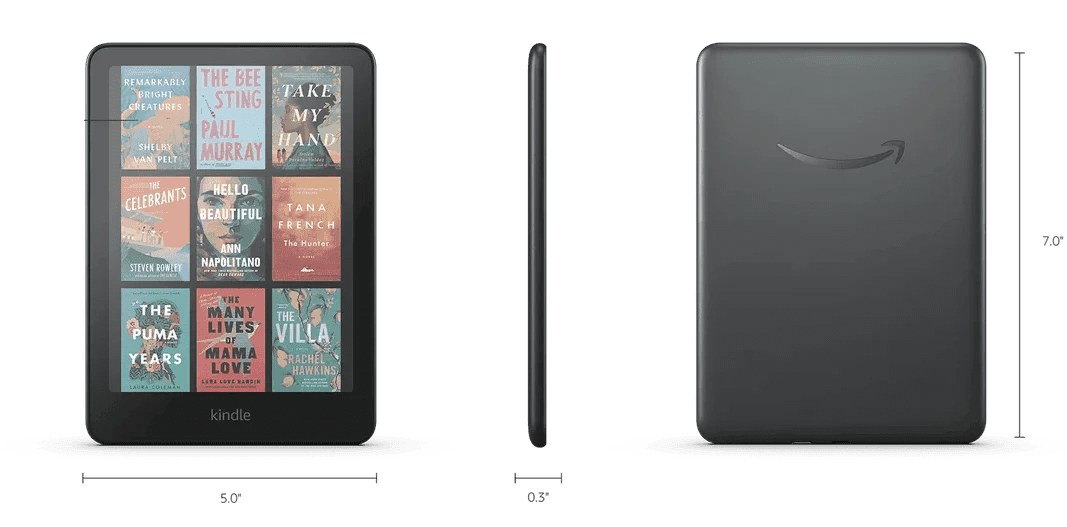
- width: 127.6 mm;
- height: 176.7 mm;
- thickness: 7.8 mm.
In short: the Kindle Colorsoft is basically a Kindle Paperwhite with a color screen.
Who is the Kindle Colorsoft for?
It’s natural to get excited about a color Kindle—but since it’s not cheap, it’s worth thinking about its purpose.

Overall, the Kindle Colorsoft is ideal for readers who:
- enjoy visually rich content like magazines, comics, and children’s books;
- want a more immersive reading experience with vibrant colors;
- need color-coded highlights for studying or analysis.
The color display benefits not only casual readers but also students and professionals who rely on detailed visuals.
For more organized users, the ability to highlight in multiple colors is a particularly useful feature.
On the other hand, if these extras don’t matter much to you, a black-and-white model will likely serve you just fine.
Pricing and versions
The Kindle Colorsoft currently starts at $249.99 and is available in four versions:
Kindle Colorsoft
The standard version, offering all Paperwhite features plus a color display.
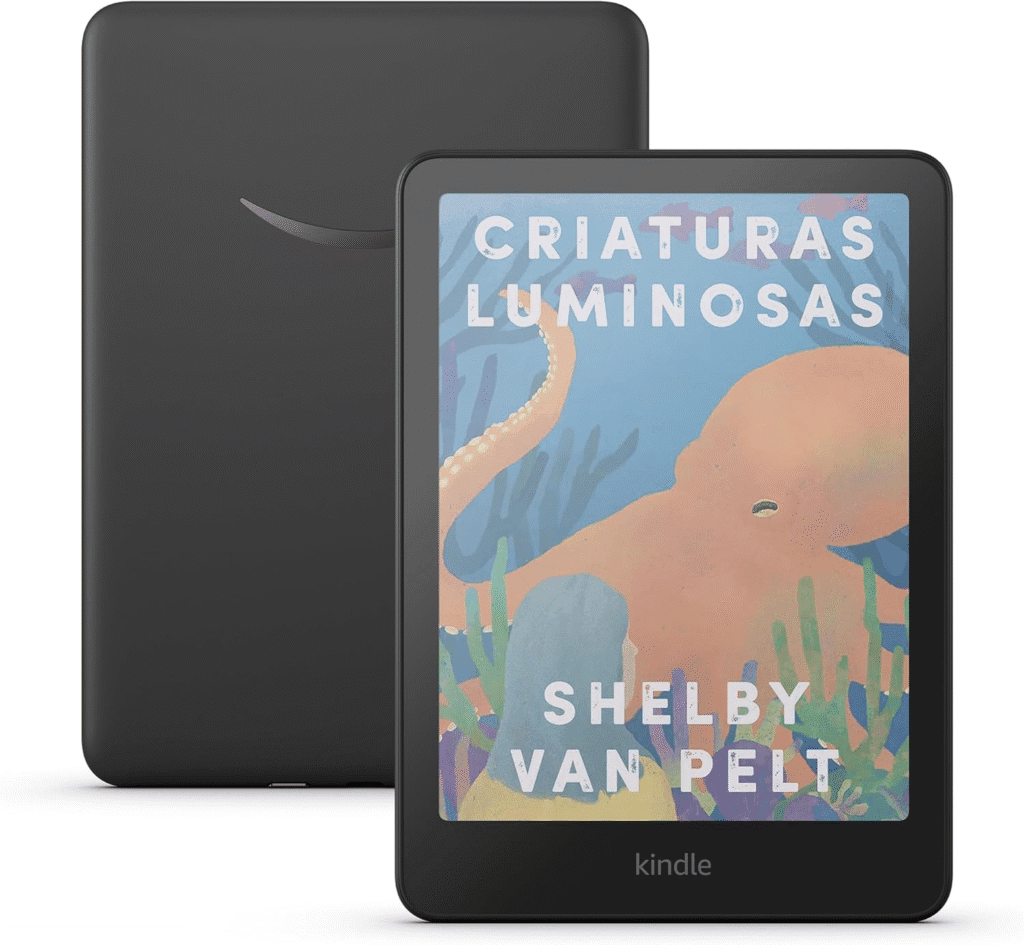
Kindle Colorsoft Signature Edition
Adds wireless charging, auto-brightness adjustment, and 32 GB of storage.
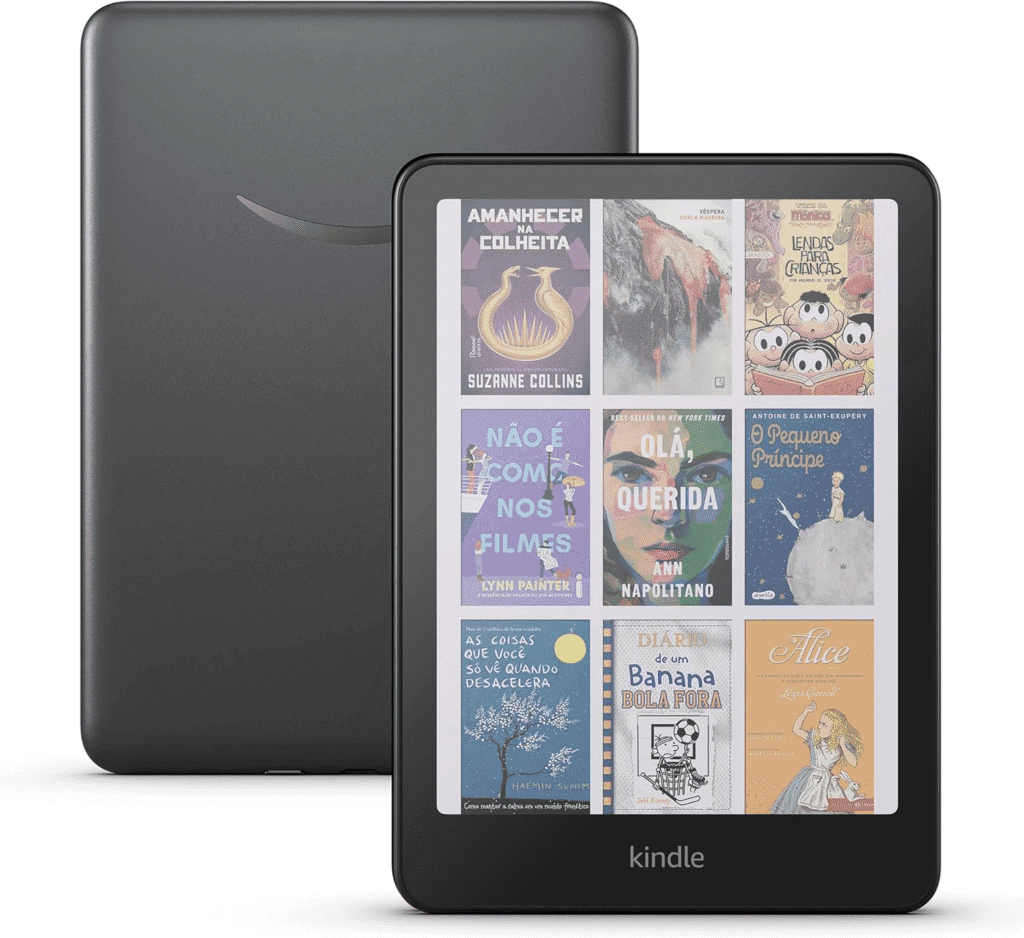
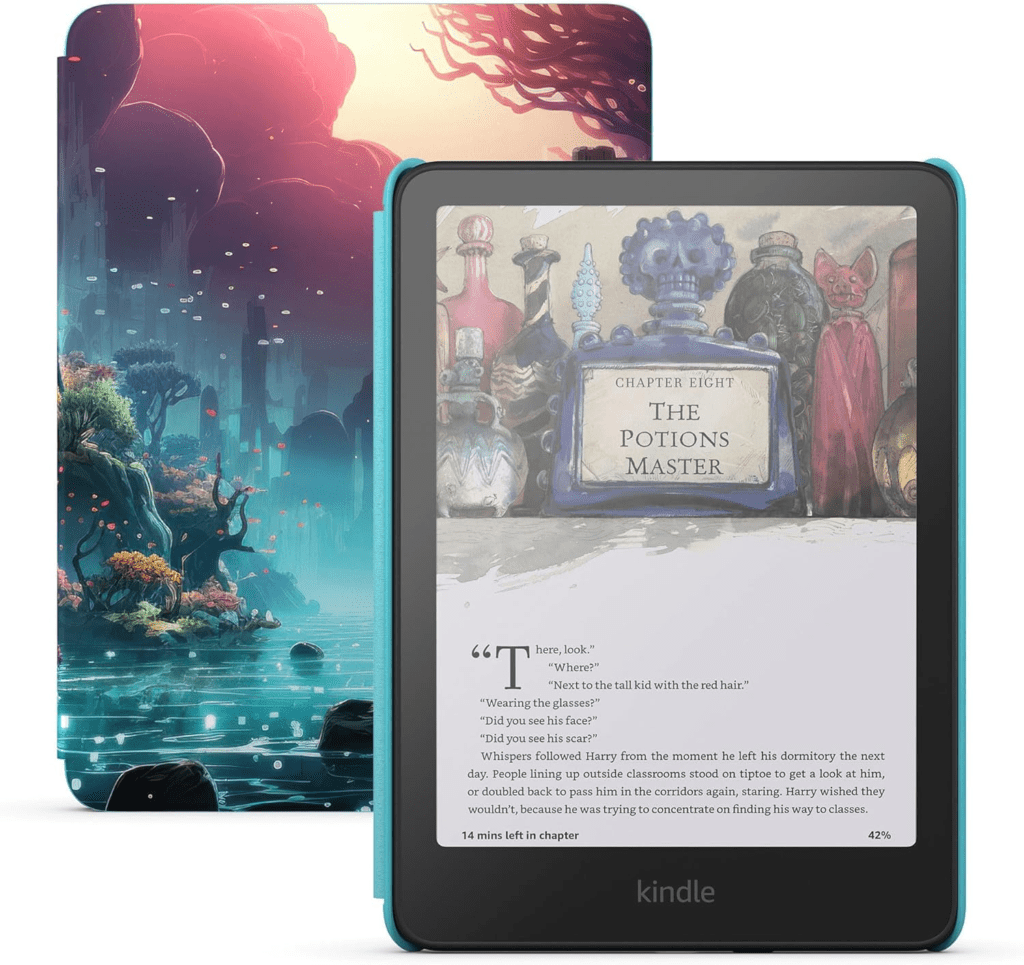
Kindle Colorsoft Kids
A bundle aimed at children, including a protective cover, one year of Amazon Kids+, and no app distractions.
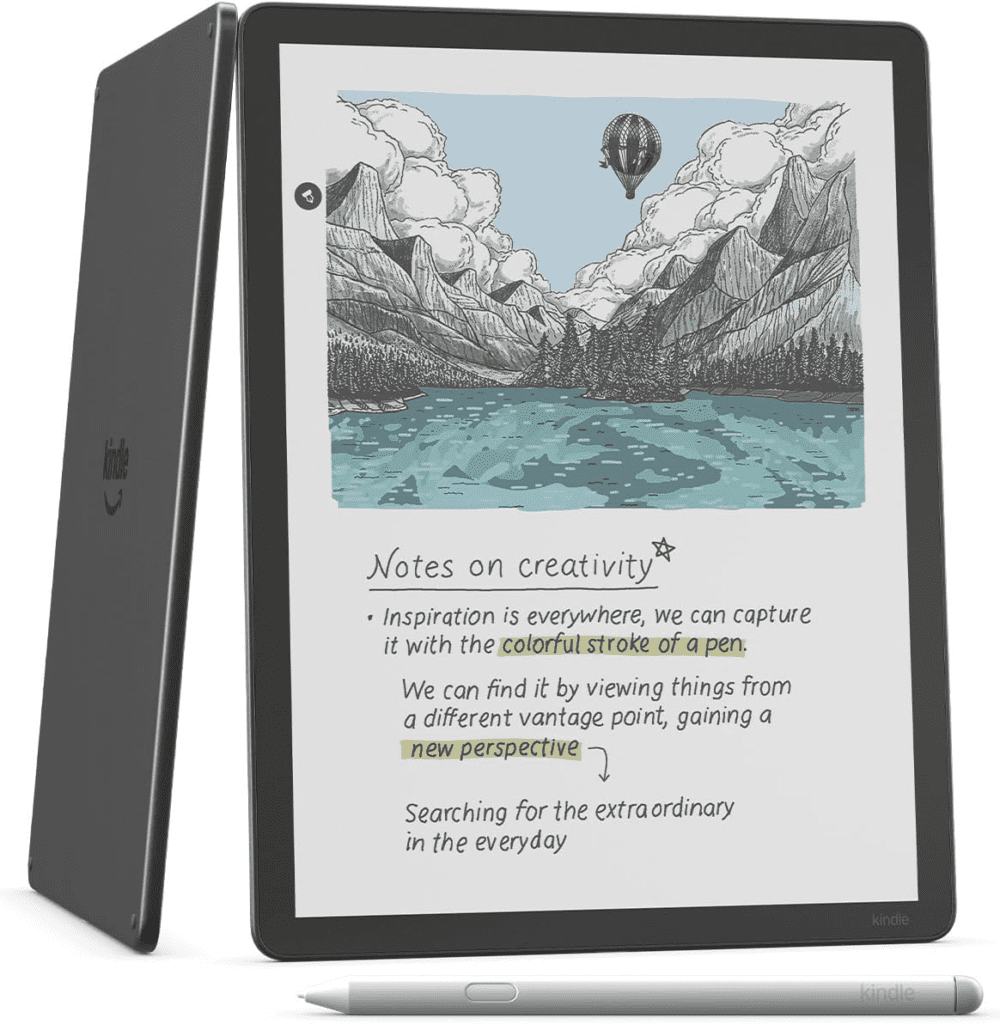
Kindle Scribe Colorsoft
Amazon’s first color e-reader and digital notebook, ideal for comics, technical books, and note-taking, with high-precision writing and 10 color options.
Is the Kindle Colorsoft worth buying?
Honestly, the Kindle Colorsoft feels like a luxury for most users.
The technology is interesting and adds value, but most readers will likely spend 99% of their time reading in black and white—even if they enjoy colorful menus and covers.
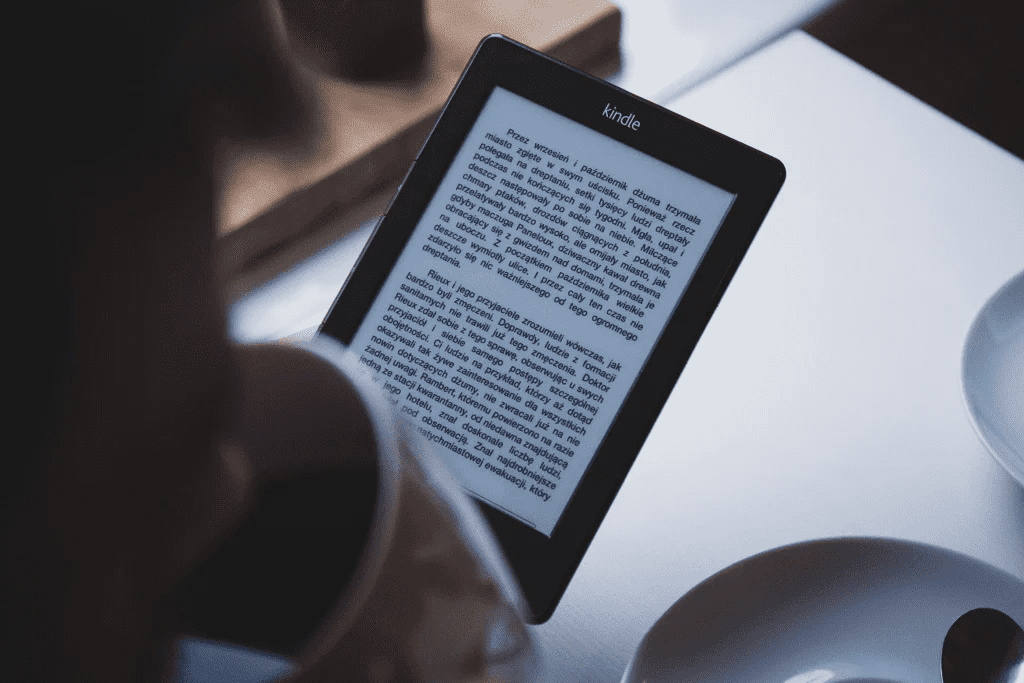
Kindle devices are already expensive, and Amazon won’t miss the opportunity to profit from a “new” feature that isn’t entirely new.
To be fair, the color screen could boost the popularity of comics, catalogs, and children’s books, while also increasing the value of illustration and cover design.
It also makes the Kindle a stronger educational tool, potentially driving more use in academic contexts.
Unboxing and review after 6 months
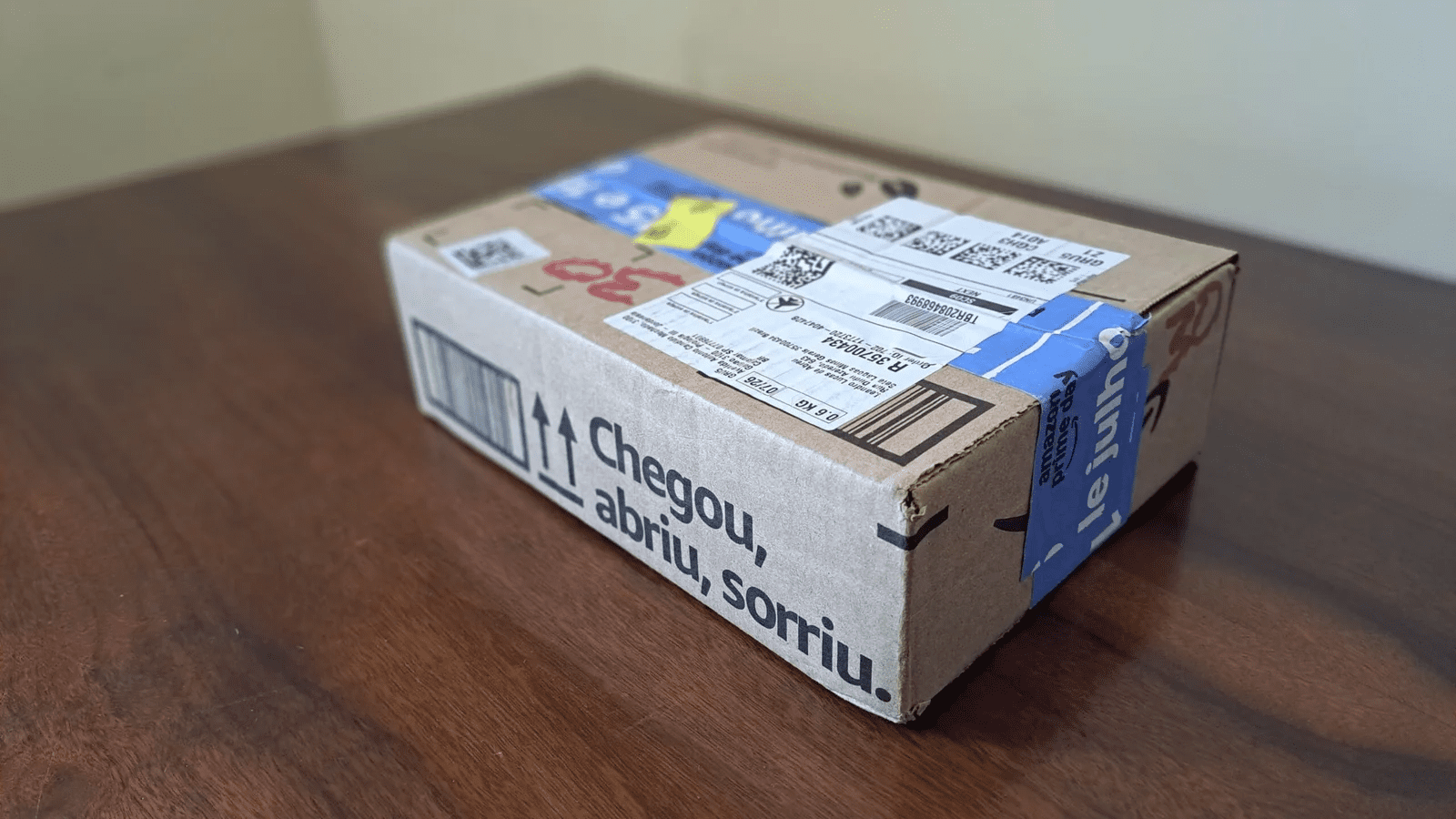
I bought the Kindle Colorsoft at the end of 2025, and it arrived in just two days.
It came in a standard Amazon cardboard box with minimal contents: the device, a USB-C cable, a quick start guide, and a warranty card.
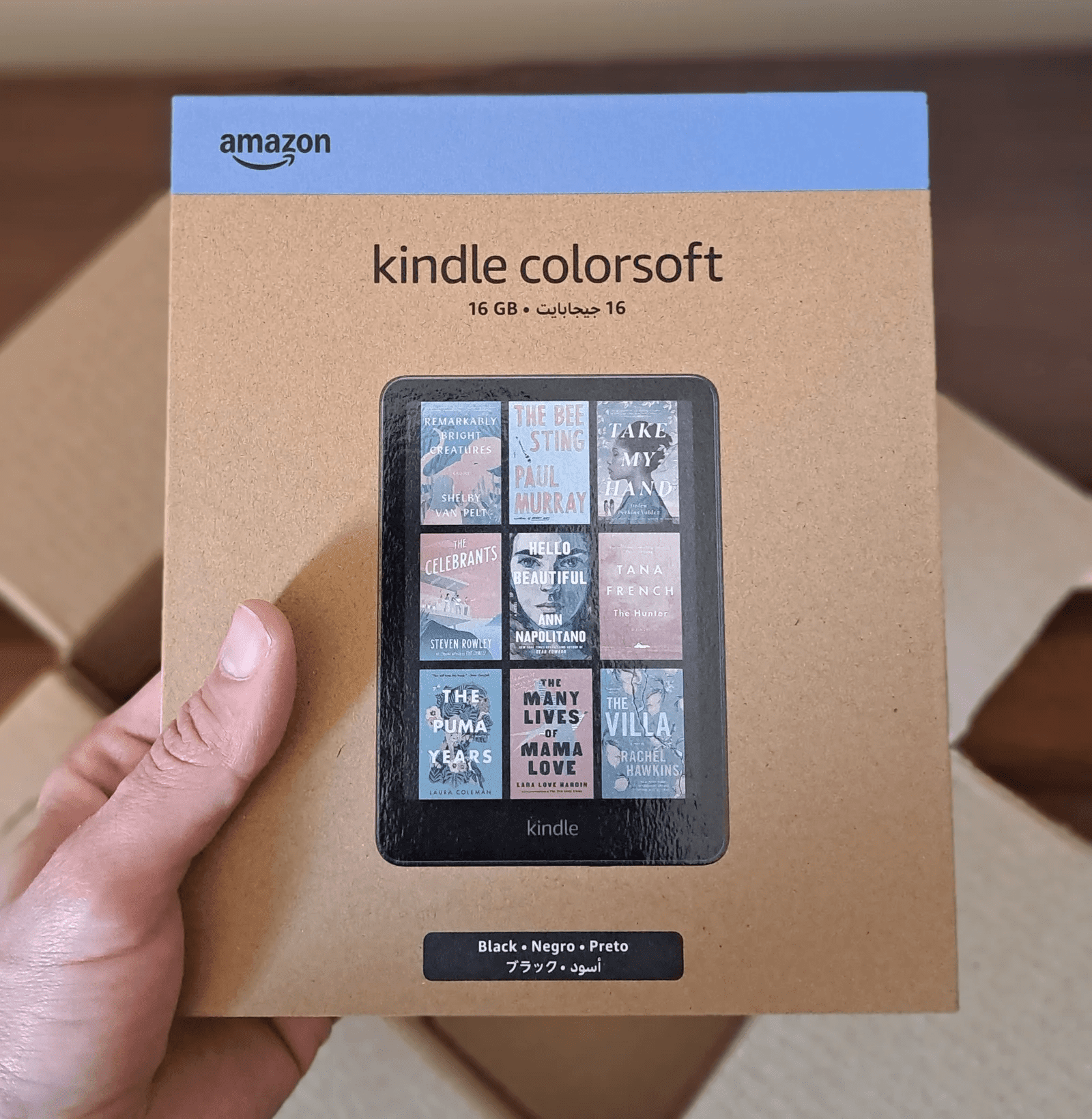
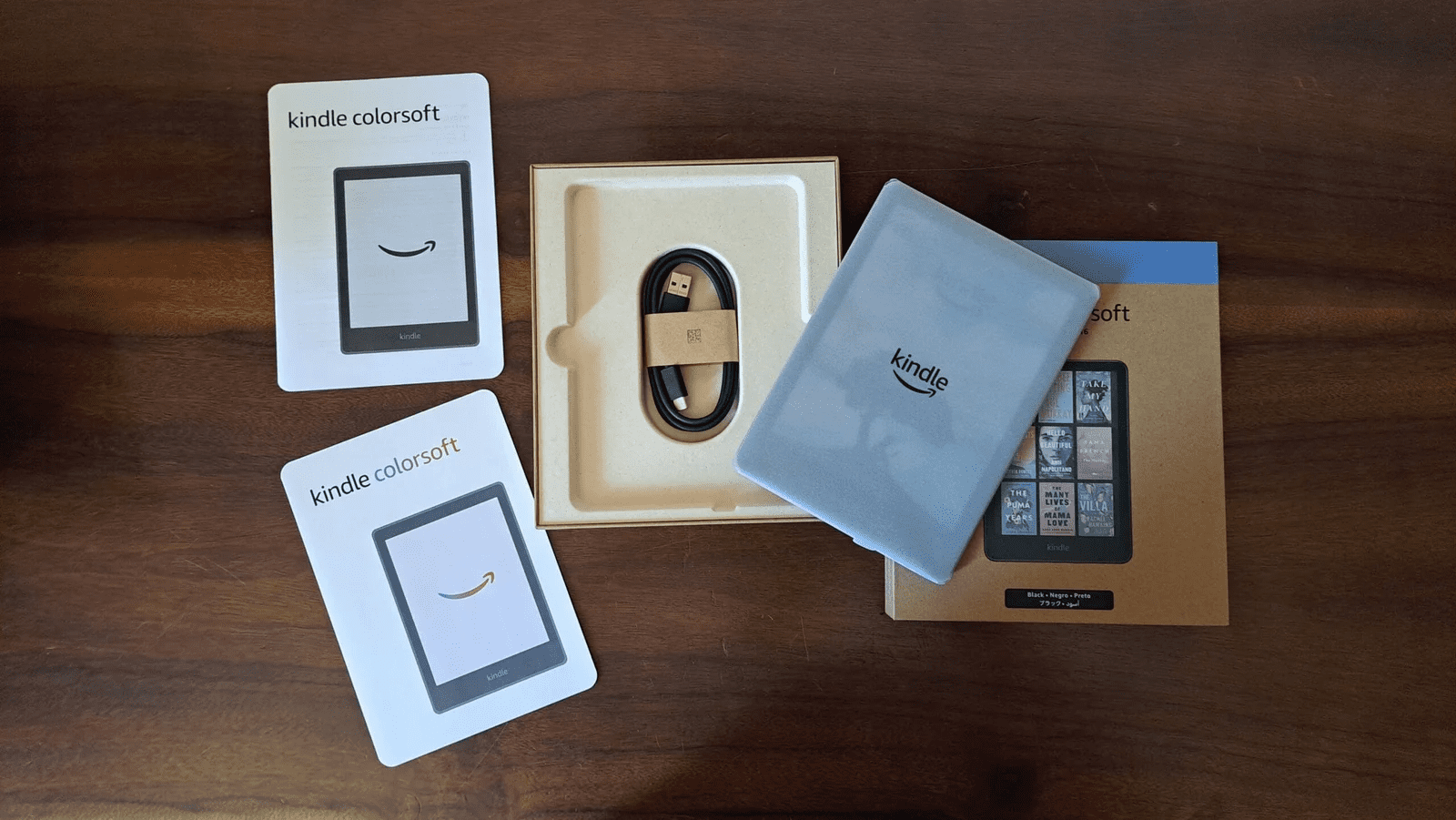
As mentioned, it’s essentially a Paperwhite with a color screen, depending on the version you choose.
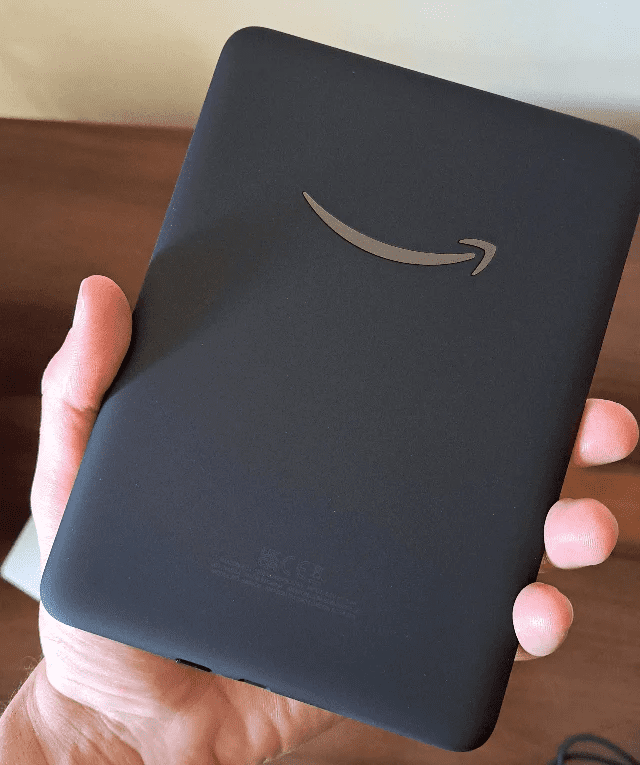
One nice detail is the rubberized back finish, which improves grip and durability.
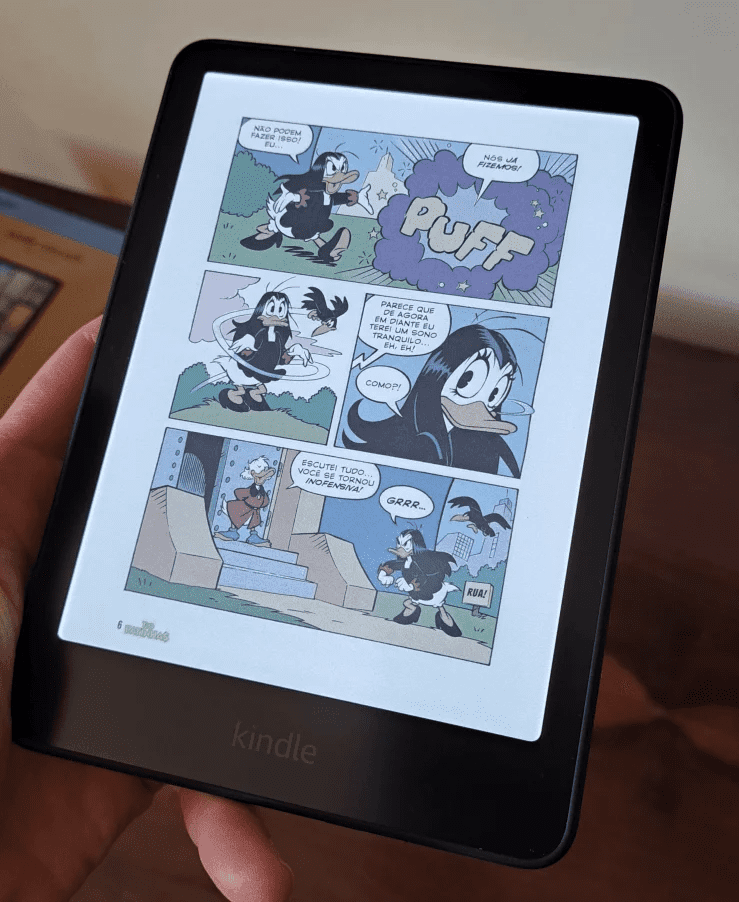
Navigation is smooth, and the colors are soft but pleasant. The reading experience shines with illustrated content, though the screen size and resolution aren’t ideal for all comics.
My favorite feature is definitely color highlighting—it’s incredibly useful for studying and organizing notes.
Overall performance is solid, and after six months, the device still works perfectly.
Controversies and complaints
Like any new product, the Kindle Colorsoft had some early issues:
Darker screen
Compared to recent black-and-white Kindles, the display is noticeably darker. This can be compensated with brightness adjustments but may slightly impact battery life.
In my case, this issue didn’t bother me. I usually read at home, with good lighting and low brightness. I don’t think it’s very impactful for most people, but if you can try it, it’s a good idea.
Slower transitions
Color processing requires more power, leading to slower page turns and occasional ghosting effects.
Using my Kindle Colorsoft for the past few months, I’ve noticed that it does seem to struggle more with some transitions, especially when dealing with more complex images, but it’s very subtle. Since I was used to a much older Kindle, I find the new one quite responsive, actually.
Grainy texture
The color filter layer creates a slightly grainy appearance, especially in lighter areas.
The Kindle Colorsoft’s color screen does have a grainy texture, but it’s only noticeable up close. It didn’t bother me; it might even make the screen look more like paper.
Yellow band issue (fixed)
Some units had a yellow tint along the edges, but Amazon addressed this via software updates.
Final thoughts
The Kindle Colorsoft is worth it if you want a more versatile reading experience—especially for color-rich content like comics, magazines, and educational material.
It retains the visual comfort of e-ink screens while adding new functionality, making it a solid (though premium) upgrade.
That said, for most users, it remains more of a luxury than a necessity. However, I know that many people liked.
And you? Have you already bought or are you going to buy a Kindle Colorsoft?